
Xporter on Demand: Reset your Password
Summary
Help school users to retrieve their XoD user account credentials (for School Portal or to authorise data sharing with an application).
Answer
Scope
Steps on how you can reset your credentials for the School Portal.
Instructions
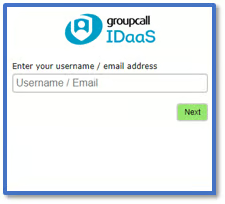
1. Go to the School Portal login page.
2. Enter your work email address in the field on the far right and click Next.
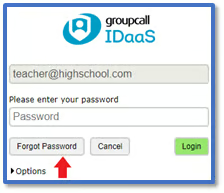
3. Click Forgot Password.
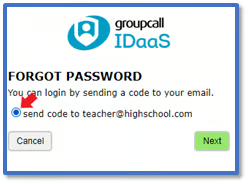
4. Click the radio button to choose the option to receive a One Time Passcode to your email address. Then click Next.
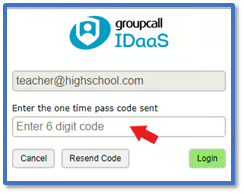
5. You will receive an email containing this code from idaas@groupcallalert.com. Please check your Junk/Spam if you are unable to see this in your inbox.
6. Copy the code and paste it into the field on screen. Click Login.
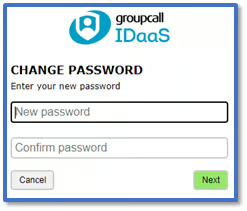
7. From the next screen, you will be asked to create a new password. Please choose a secure password, and make sure to keep it safe. Then click Next.
8. You will now be logged into the School Portal.
· Note: If you are unsure of the email address linked to your account, please get in touch.