
Xporter for MATs
Centralised data solutions for multi-academy trusts
When you're supporting multiple schools and looking for ways to streamline operations at scale, handling data is extremely important.
We help multi-academy trusts ensure the right data is in the right people's hands at the right time, so your team can spend their time and energy on driving real improvements for your schools and students.

MAT Data Management
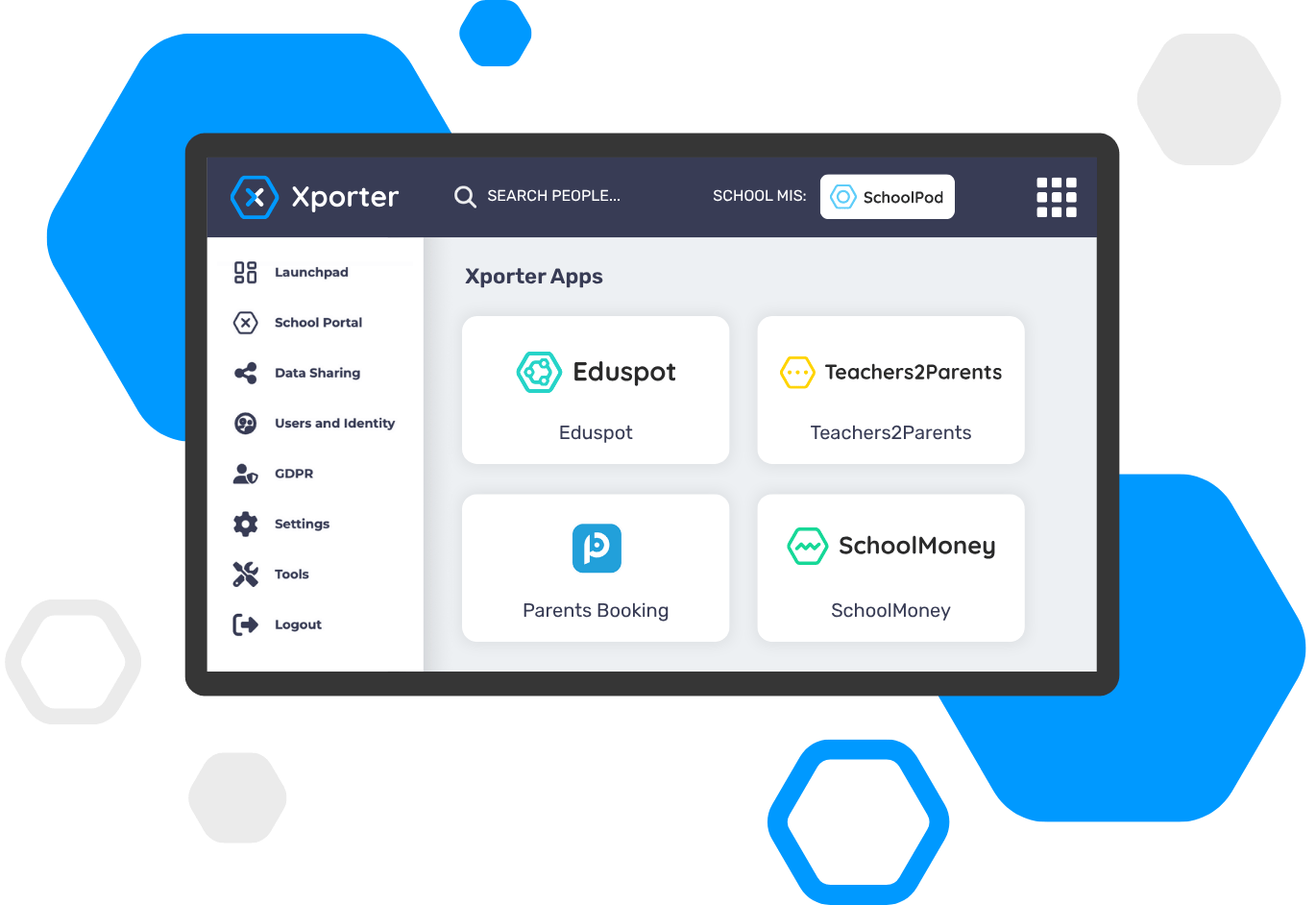
Your central portal to control data sharing, log into apps and more
The Xporter school portal provides each of your schools with a consistent starting point to manage their MIS data sharing with third-party apps.
It also gives each school a launchpad for logging into apps, where you'll find one-click shortcuts to all the VenturEd Solutions products you use, as well as supported third-party tools.
How it works
How schools manage their data with Xporter
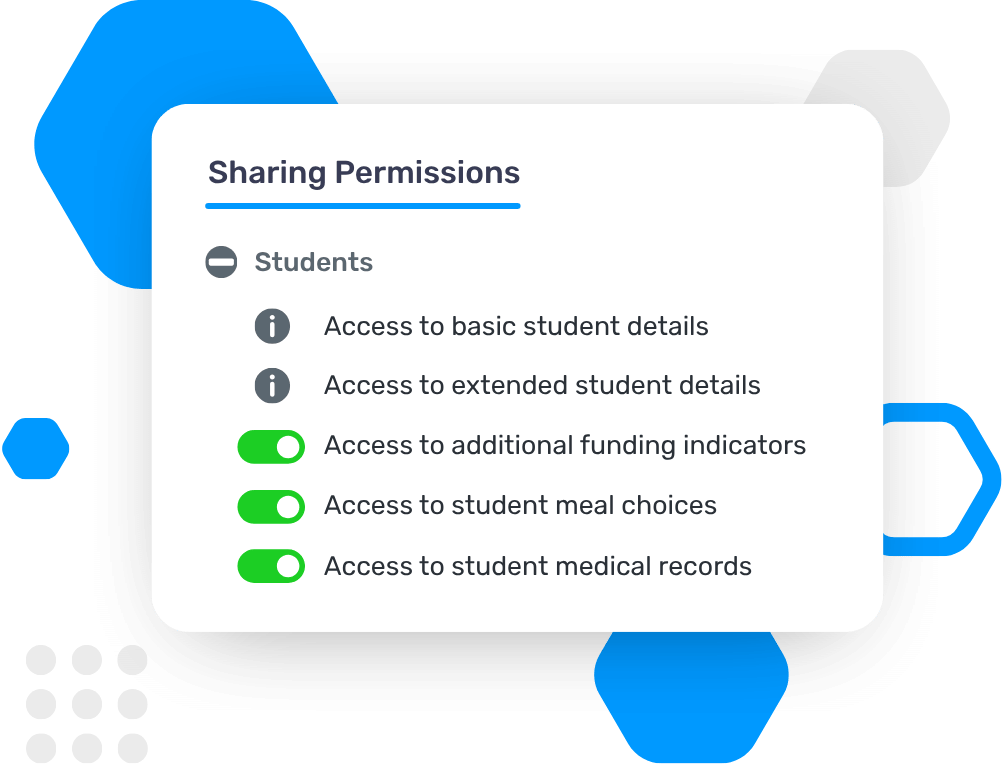
With Xporter, schools retain full control of their MIS data. Staff can check and modify what's being shared at any point, ensuring sensitive student and staff data is only shared when strictly necessary.

Step 1: App Authorisation
When using a new third-party application that integrates with Xporter, each school will recieve a data sharing request by email. They just need to authorise the MIS connection to continue.

Step 2: MIS Connection
Once accepted, Xporter will link the school's MIS to the app, but the app will only be able to access the relevant data. Any data outside the scope of what's essential for the app to work will not be shared.

Step 3: Data Integration
The most up-to-date MIS data will now be available to use in the third-party app, ensuring school staff can get on with what they need to do without worrying about data accuracy or security.

Step 4: Manage Permissions
All data sharing can be reviewed via your Xporter school portal at any time. If a school no longer wishes to share their MIS data with an app, they can revoke the permissions from here.
MIS Integration
Compatible with every major MIS in the UK
Xporter is designed to work seamlessly across all schools. We maintain the integrations and relationships with every major MIS in the UK (and almost all smaller providers). From a MAT perspective, you can be confident that data from all your schools is feeding into your trust-wide systems consistently.






Secure Data Sync for Trusts
The secure, compliant data sharing solution for schools and MATs
Xporter is ideal for schools and trusts who need transparency when it comes to data sharing. You have full visibility and control over what is shared with which third parties, and it's easy to make changes any time you like. The portal also makes it easy to quickly review your settings from a specific perspective, such as GDPR compliance.

Easily manage users and logins across your multi-academy trust
You can also leverage the power of Xporter to simplify logins with Xporter Identity, which automatically creates SSO (single sign-on) accounts for every student and staff member that can be used across all your apps.

How can we help you?
Whatever your question, we're here to help. Get in touch with our team to discuss how we can support your trust with any school data challenges.

Call us on 0207 237 8456

Looking for technical support?